

Conversation Fork
Building a Kro app and want to try a different direction without touching the original conversation? Just fork a new branch from any key node.
What You Can Do with Conversation Fork
Conversation Fork lets you create a new branch at any key point in a KroWork conversation. You can explore a different direction while keeping the original thread intact.
When you're unsure about the next step, you don't have to keep undoing, rewriting, or worrying about messing up existing results. Just fork from the current node, try different approaches side by side, and pick the one that works best.
Core Features
How Fork Differs from Continuing a Conversation
Continuing a conversation extends the current context forward — every subsequent change affects the same task path.
Forking creates a new exploration path from a specific historical node. The branch carries over all context before that node, but everything after it runs independently from the original thread.
The Original Conversation Stays Intact
After you fork, the original conversation is preserved. You can go back to it at any time, or try entirely different requirements, styles, or implementations in the branch.
Works Well with Version Management
If your conversation is building or modifying a Kro app, we recommend forking before making major changes. This way you keep the current app state safe while exploring new directions in the branch.
Step-by-Step: Create and Use a Conversation Fork
Step 1: Find the Node Where You Want to Fork
Open an existing conversation and locate the message where you'd like to start exploring a new direction.
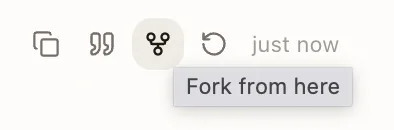
Step 2: Click the Fork Entry Point
Near the target message, find the Fork option. Click it, and KroWork will create a new conversation path based on that node.
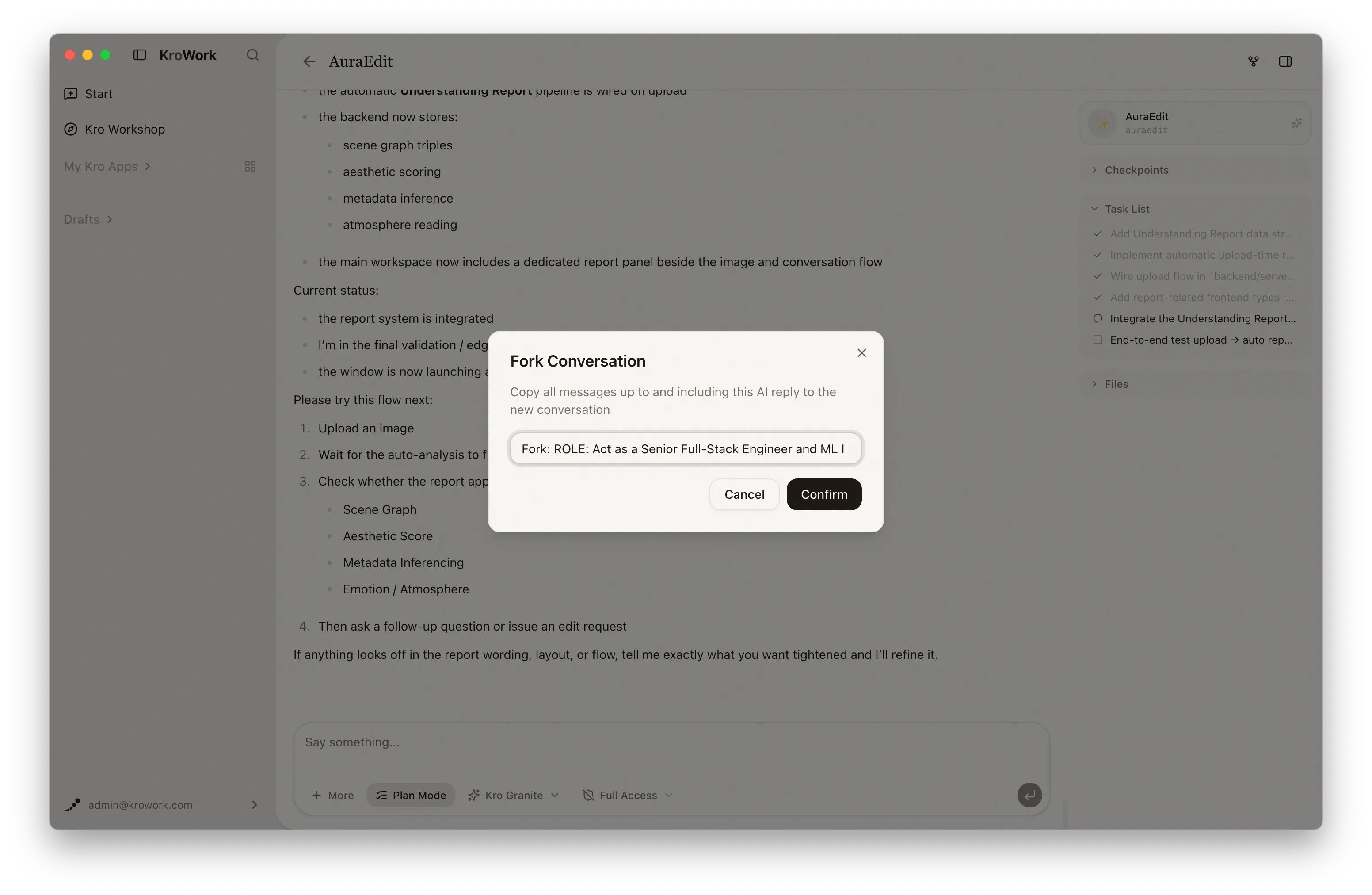
Step 3: Describe the New Direction in the Branch
Once you're in the branch, tell KroWork what you'd like to try differently.
For example:
In this branch, don't change the original version. Try restyling the interface for corporate reporting and add a data dashboard module.
Or:
Let's go a different route from here: skip the full app for now and build a minimal viable version first. Focus on validating the core flow.
Step 4: Compare Results Across Branches
After the branch generates its output, switch back to the original conversation or other branches to compare approaches.
Once you've identified the best branch, continue refining it — add more requirements, adjust details, or save the result as a Kro app. If a branch was just for exploration, you can keep it as a reference without continuing it further.
FAQ
1. Will forking overwrite the original conversation?
No. Conversation Fork creates a new exploration path. The original conversation remains untouched.
2. Does a branch inherit previous context?
Yes. A branch starts from the node you selected, so all requirements, files, and app states before that node are carried over as context.
3. Can I create multiple branches?
Yes, but we recommend forking only when you genuinely need to compare different directions. Too many branches can become hard to manage.
4. Can I save a branch's result as a Kro app?
Yes. If a branch produces a result you're happy with, you can save it as a Kro app or install it to your system for long-term use.