

Solidify a Workflow into an App
I. Application Scenarios
This section takes "Automate Q3 OKR Report" as a practical example to help you quickly master the operation of app solidification.
After completing a single report, you can solidify the entire workflow — including submitting prompts, adding files, reading data, and exporting documents — into a permanently available Kro App. You can then reuse it with one click, avoiding repeated conversations and cutting down unnecessary token consumption.
II. Operation Steps
Step 1: Initiate Workflow Solidification
- If Kro recognizes that the current conversation can be saved as an app, it will automatically appear in My Kro Apps.
- If not recognized, send the solidification command in the dialog box:
"Deploy the above OKR report generation workflow into a local app."
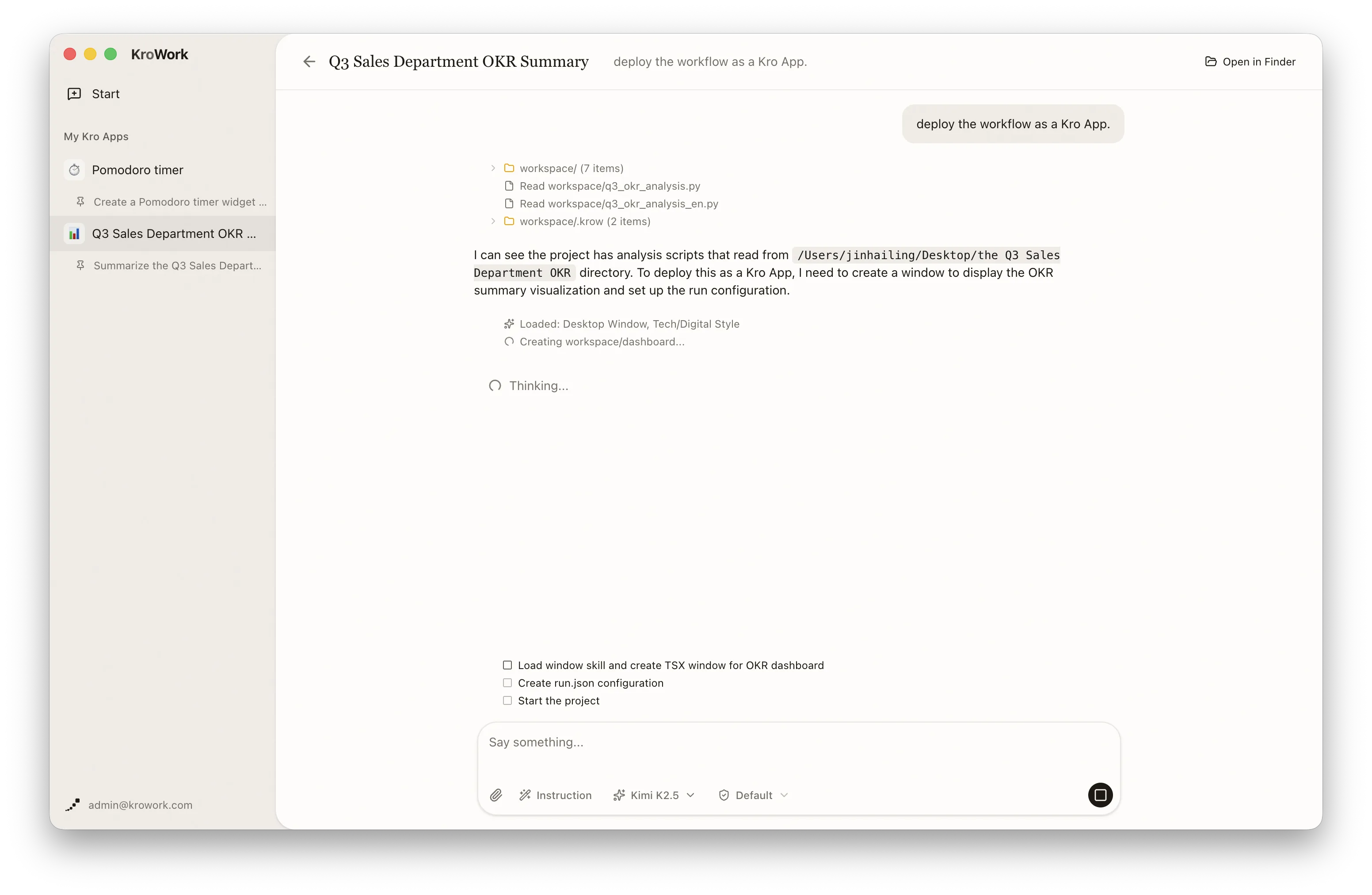
Step 2: App Management
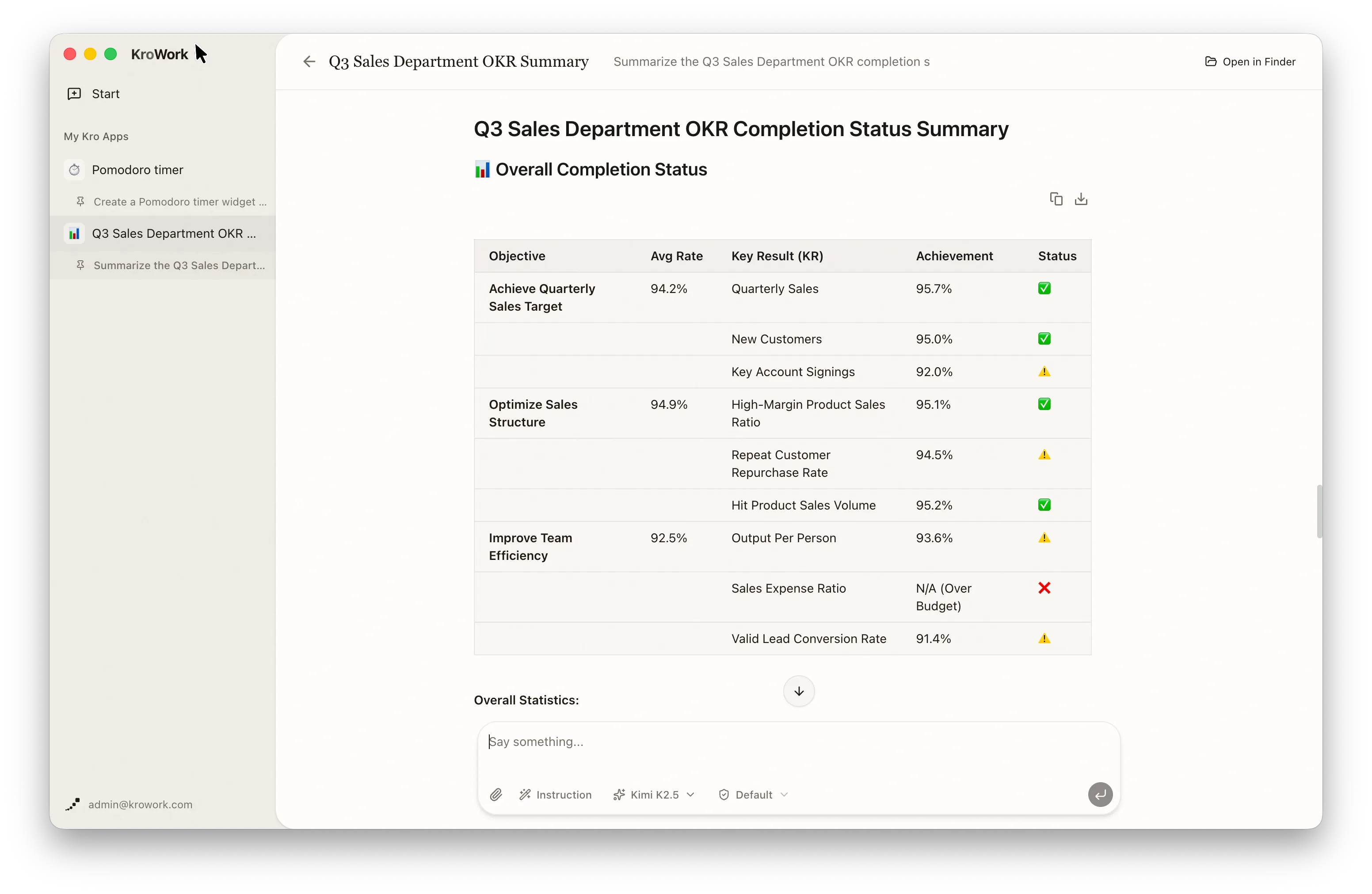
Once deployed, you can view your Kro app in two ways:
- Click the KroWork title in the top-left corner to see the list of apps.
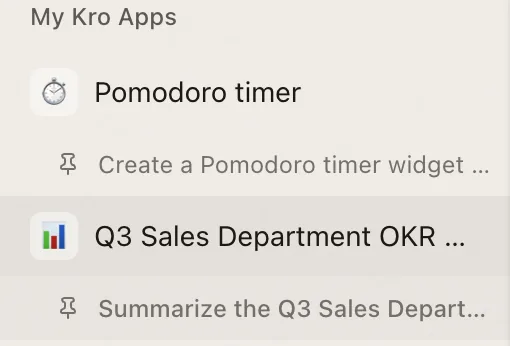
- Access directly via the "My Kro Apps" in the left sidebar.
On the dedicated app page, you can perform operations such as starting and stopping the app independently, renaming it, managing local files, installing it to the system, enabling automatic startup, and deleting the app, enabling efficient management:
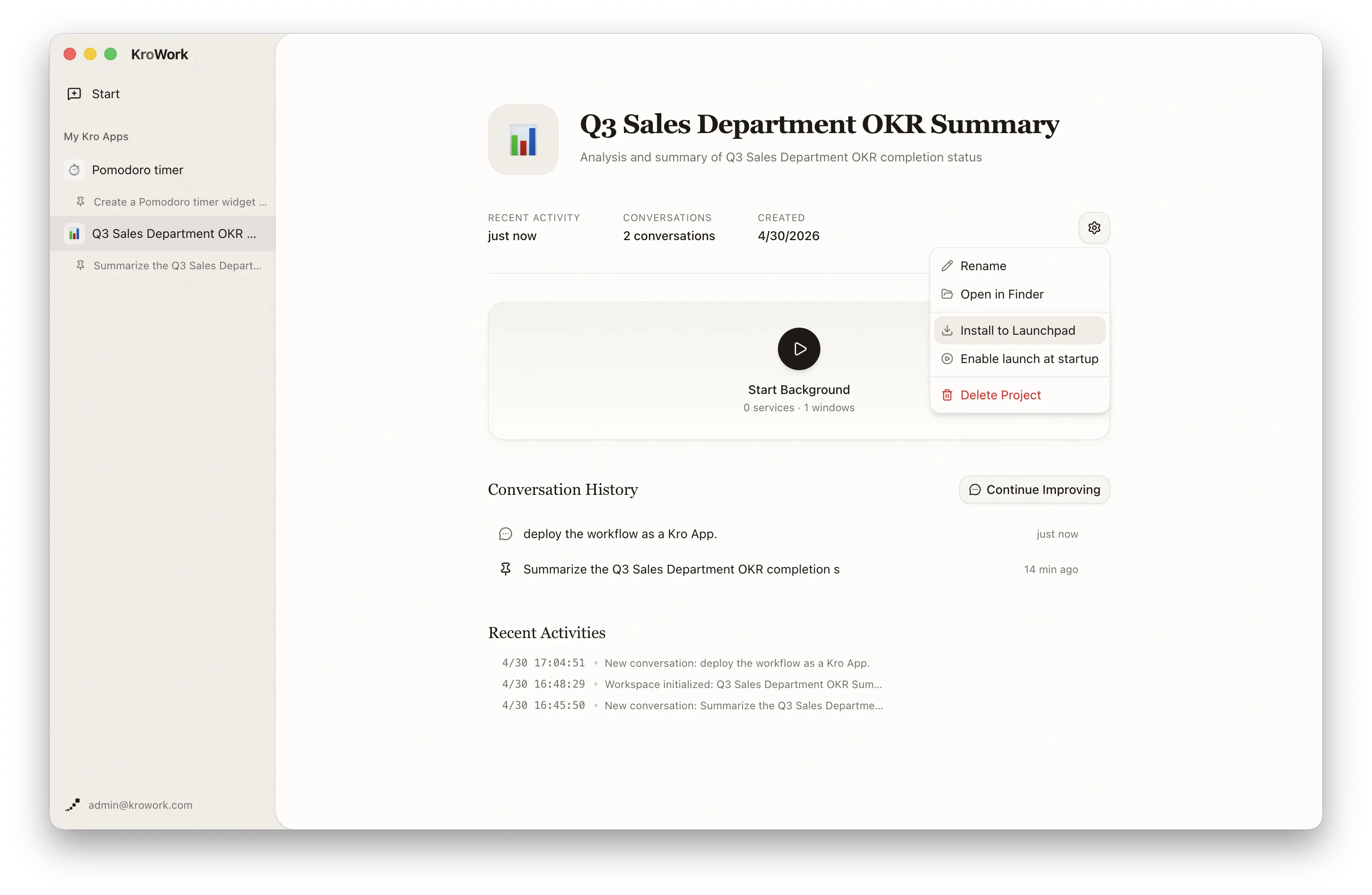
- Rename: Rename your Kro App here for easier identification and management.
- Open in Finder: Click to quickly locate the local installation folder of your Kro App for file access and management.
- Install to Launchpad: Save frequently used Apps as independent local Kro Apps. Run your Kro App from your Launchpad (macOS) / Start Menu (Windows).
- Auto-Launch: Check "Enable launch at startup" to let the app run automatically when the system boots.
- Delete Project: Delete the current project here to remove all related configurations and files.
- Modification & Iteration: You can start new conversations within this dashboard by clicking the "Continue Improving" button to continuously iterate and optimize it. The dashboard will automatically record your improvement history and related logs for easy review and further development.
III. Advantages
- Solidify the workflow once for long-term repeated use, eliminating repetitive questioning and command editing.
- Standalone local apps deliver stable operation with consistent and controllable output results.
- Simplified one-click operation greatly reduces repetitive workload and improves office efficiency.