

Automate Q3 OKR Report
At the end of each quarter or year-end review, consolidating scattered OKR data, progress updates and deliverables often takes substantial time. Powered by KroWork's RAG (Retrieval-Augmented Generation) and multimodal output capabilities, you can convert scattered documents into professional and structured presentation reports with one click.
Step 1: Define Instructions and Submit Tasks
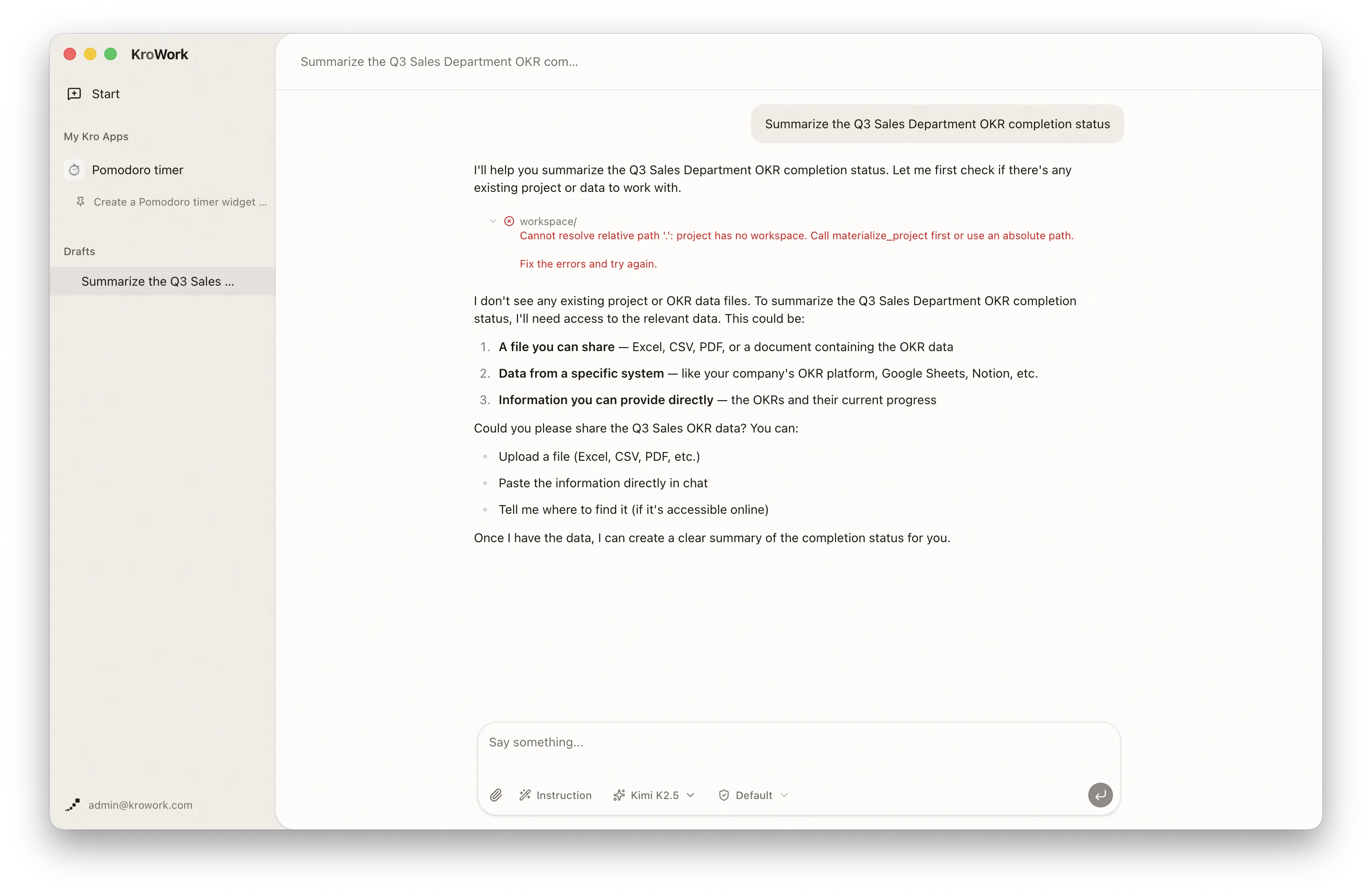
Enter your requirements directly in the dialogue box. More specific instructions deliver higher-quality first drafts.
- Example instruction: "Summarize the Q3 Sales Department OKR completion status"
Step 2: Attach Reference Materials
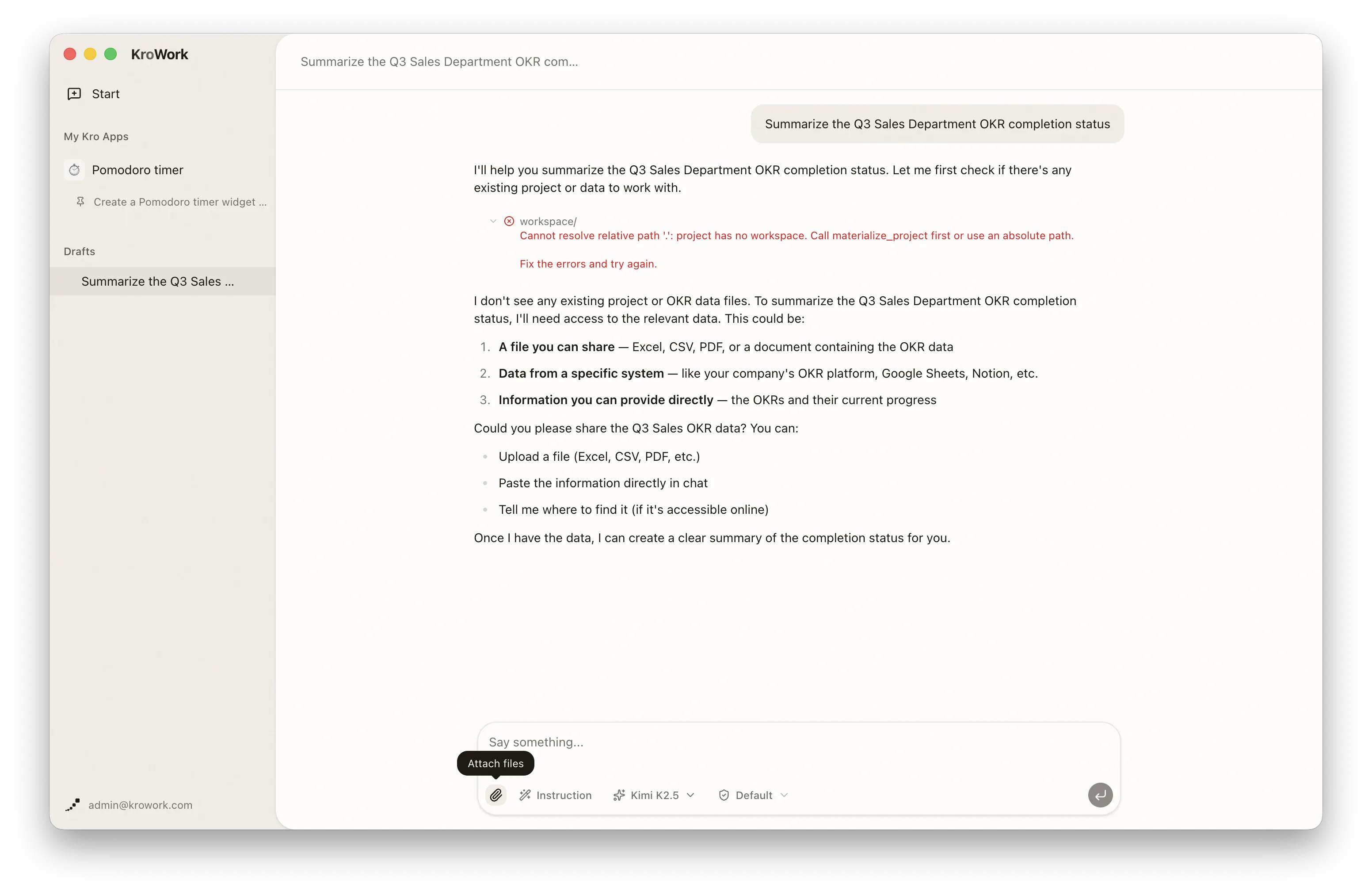
Add relevant reference files to ensure accurate and comprehensive report content:
- Add files: Click below to add attachments.
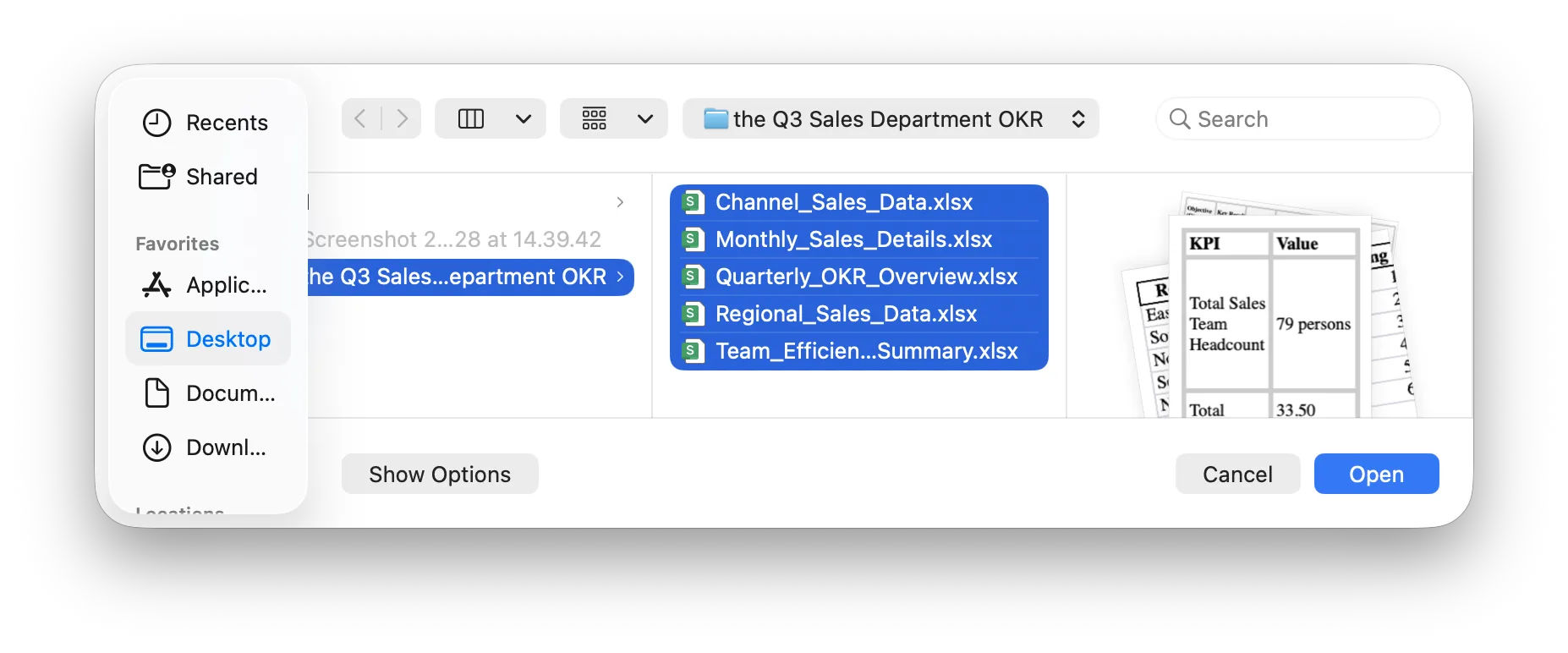
- Select paths: Click below to add attachments and send.
Step 3: Grant Access Permission for Automatic Data Organization
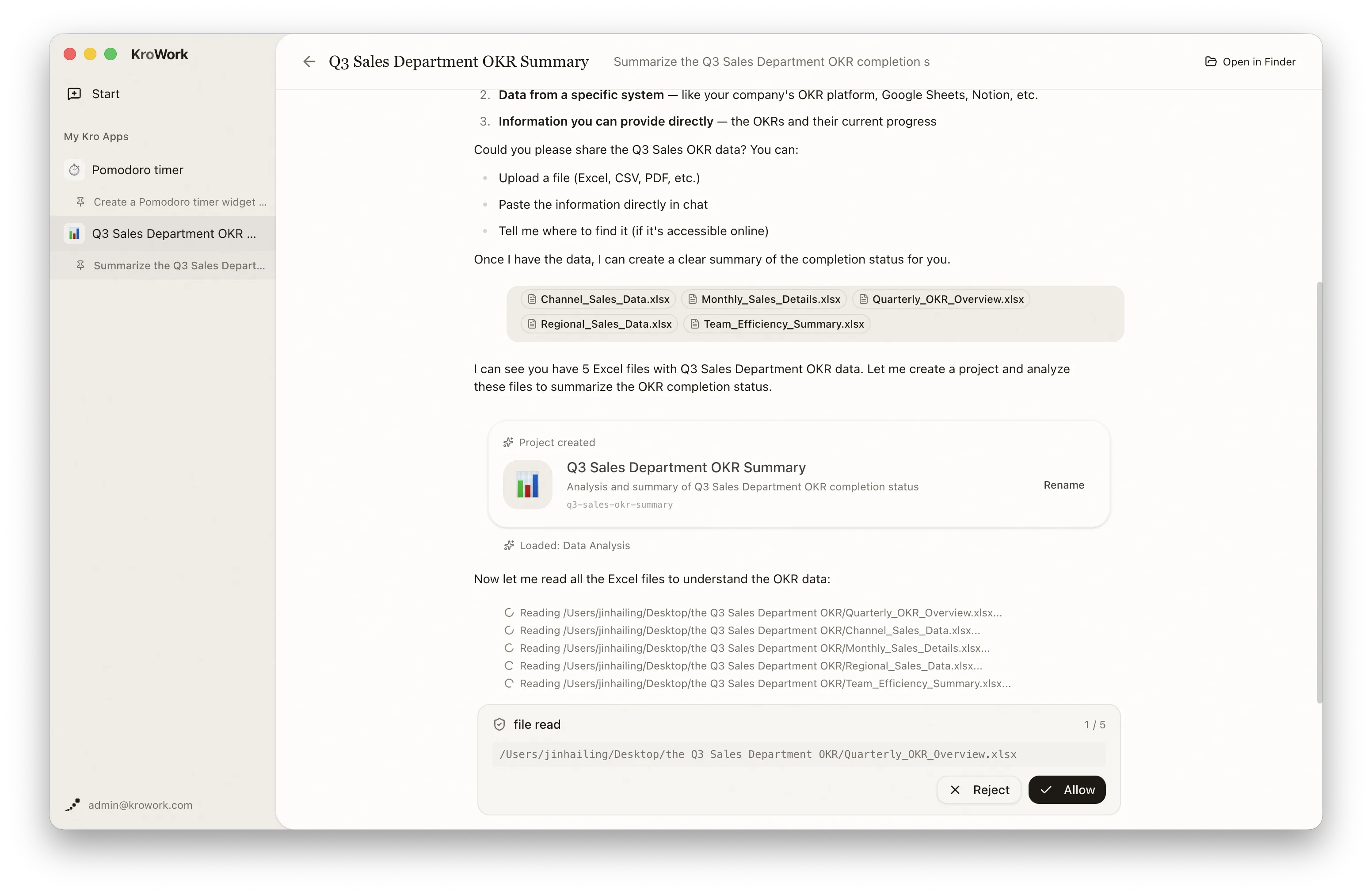
To protect local data privacy, KroWork requests authorization before in-depth document reading. Approve the access permission pop-up prompt.
Step 4: Preview Generated Output
Preview and check the report content, and revise it promptly if any issues are found.
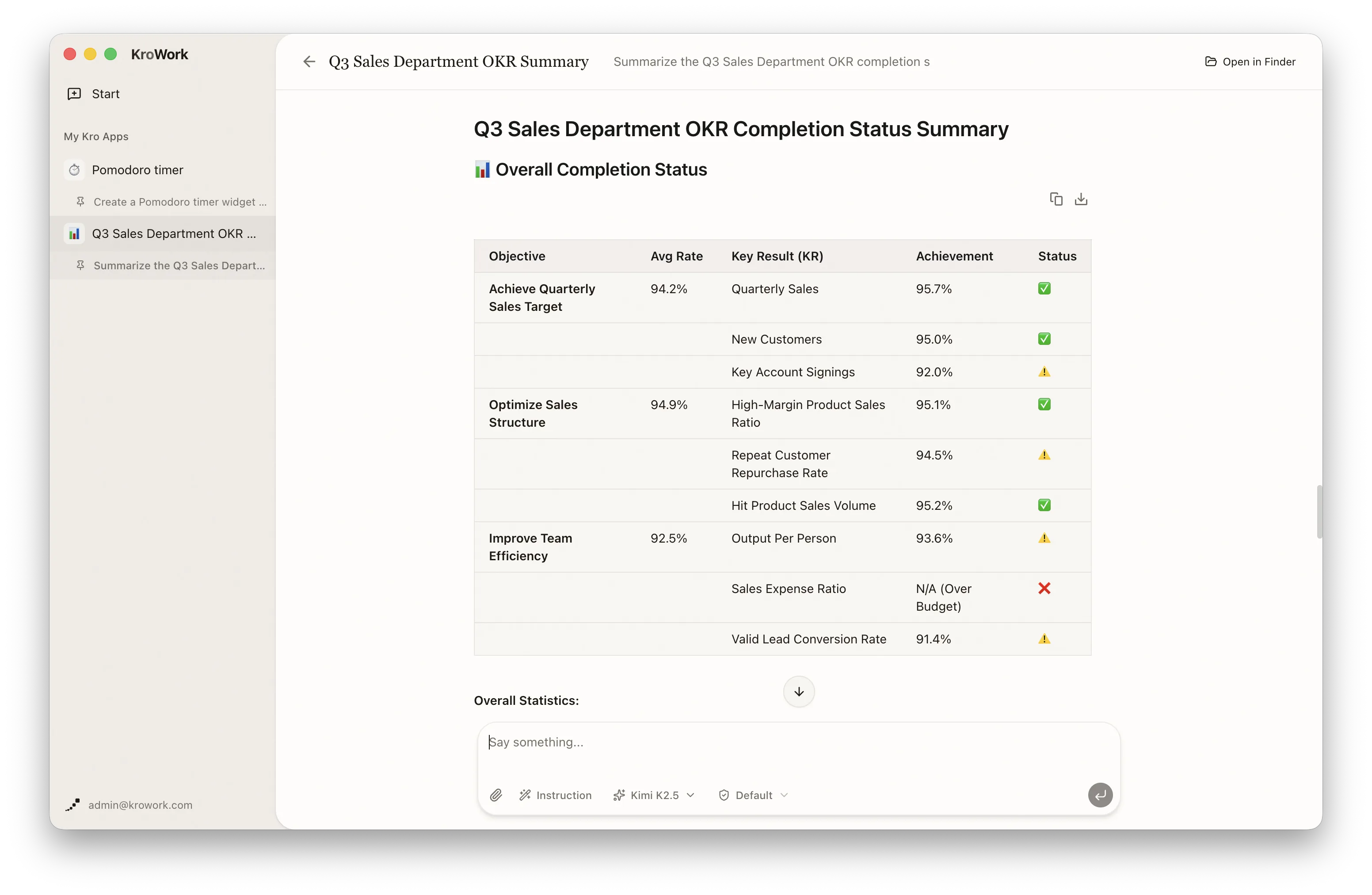
Step 5: Revision and Optimization
Adjust content via dialogue commands instead of manual editing if pages or data descriptions need optimization.
Step 6: Kro Installation
After testing and verifying that everything is correct, send a command to deploy the workflow as a Kro App.
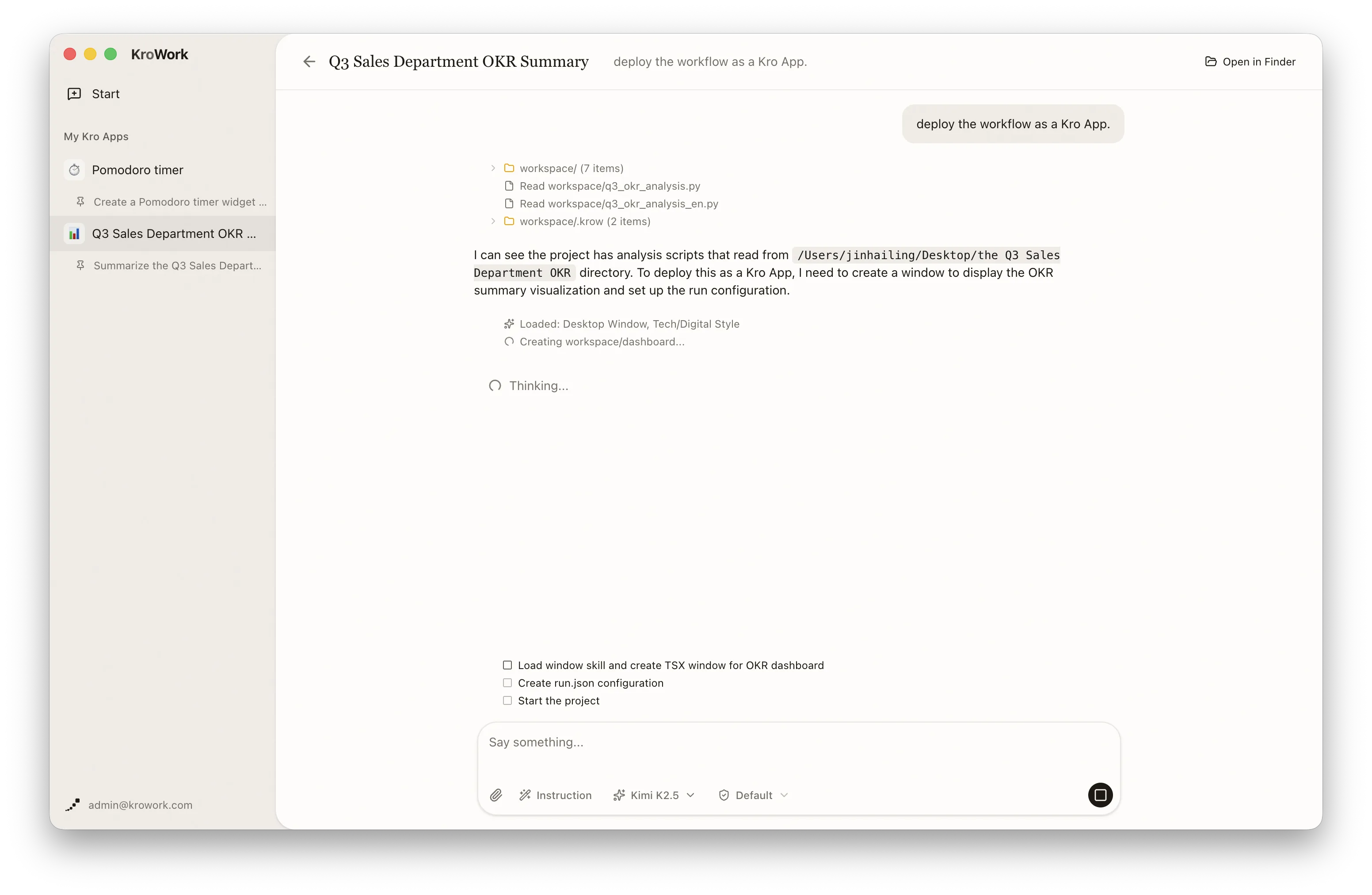
Step 7: Adding a Kro to Your Launchpad
Once deployed, you can view your apps in two ways:
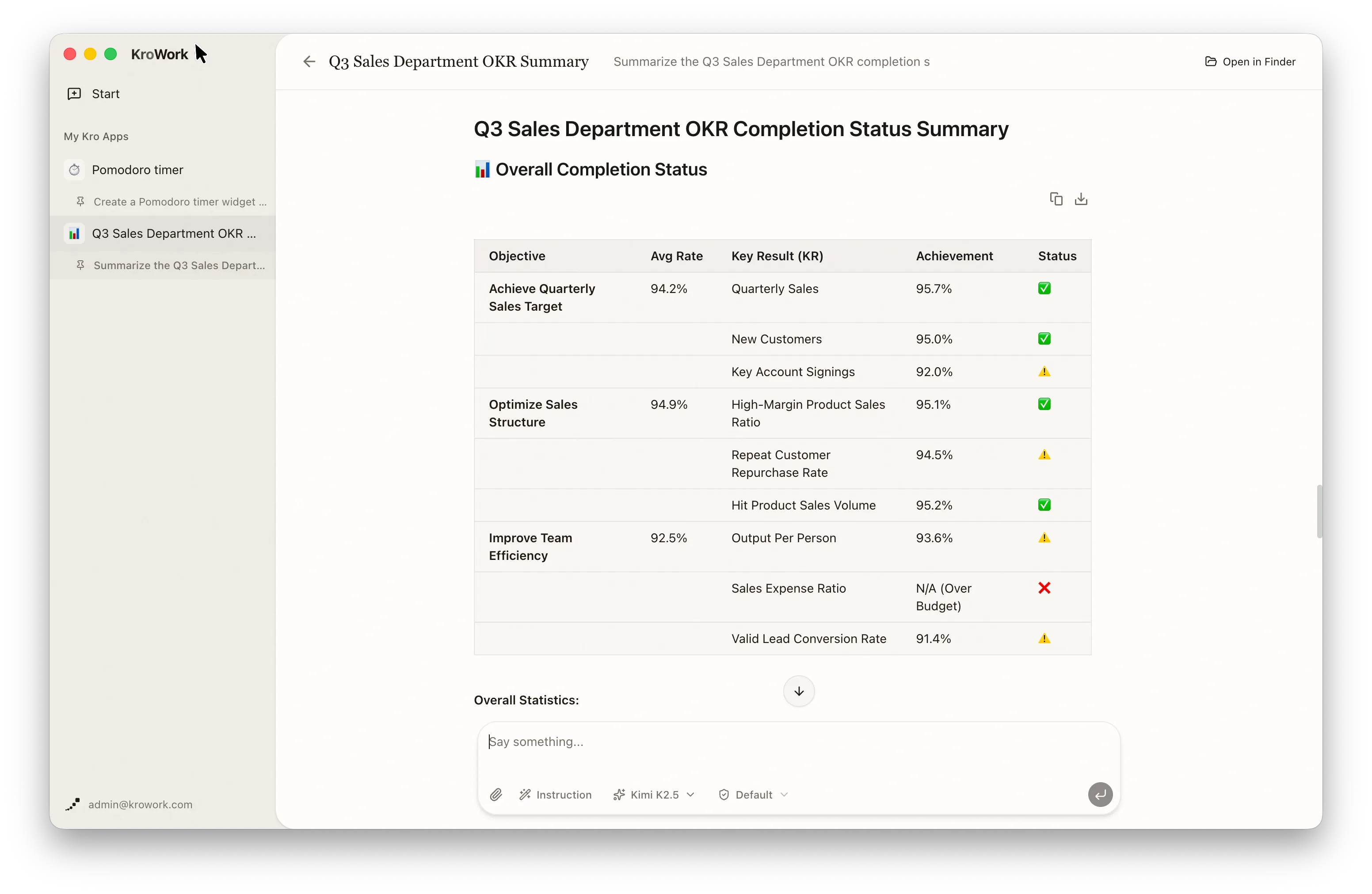
- Click the KroWork title in the top-left corner to enter the app list and view your apps.
- Access directly via the "My Kro Apps" in the left sidebar.
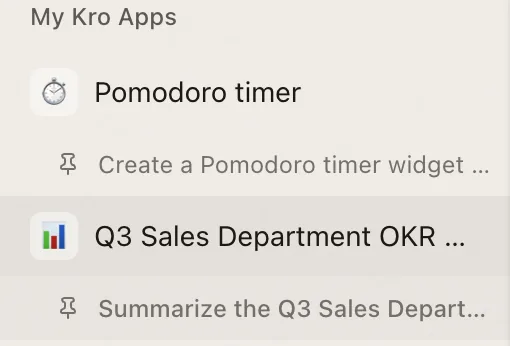
Click the gear icon, and choose "Install to Launchpad."
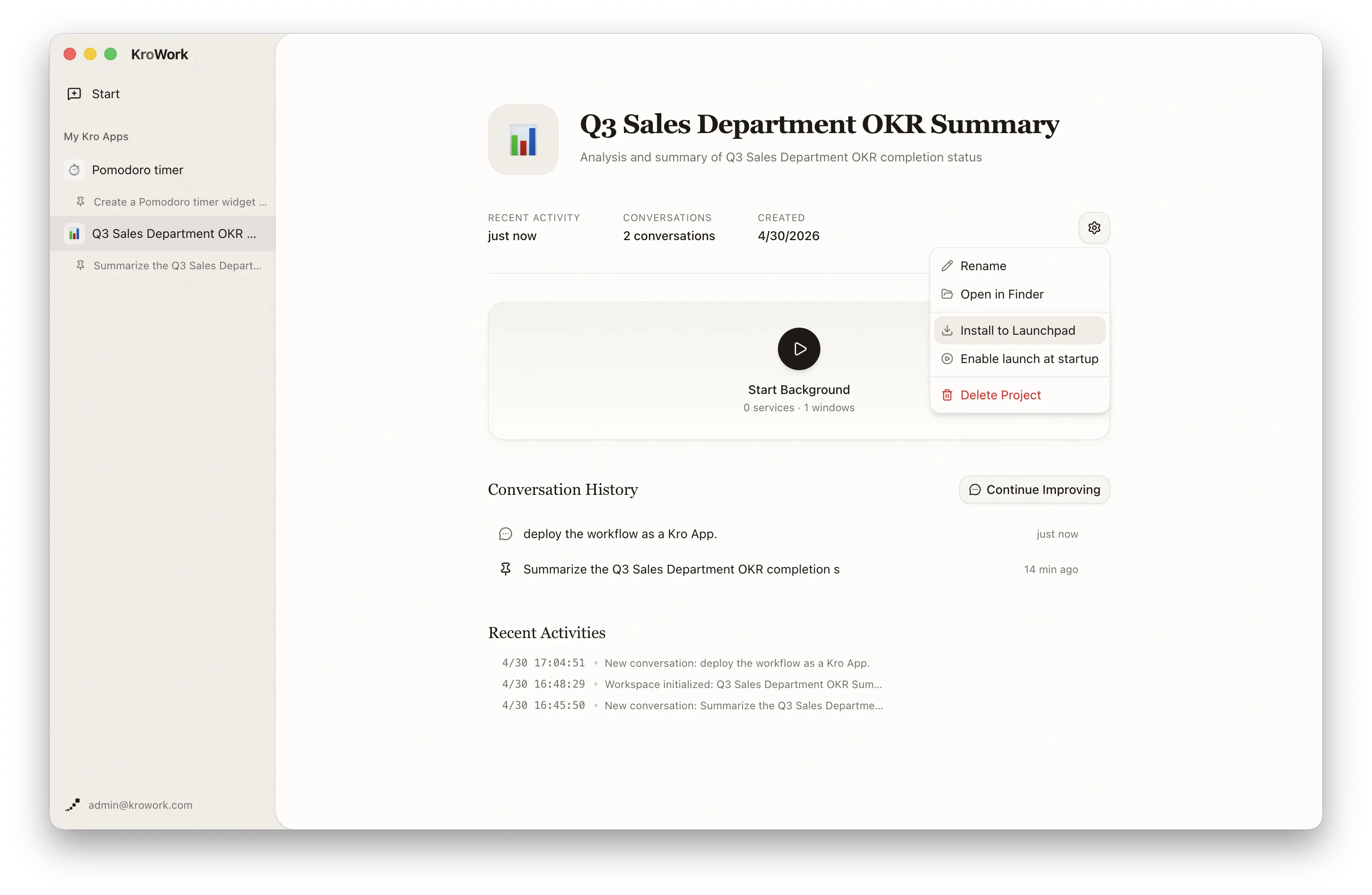
After authorization is completed, the app will be installed to your Launchpad / Start Menu and can be launched directly from the macOS Launchpad or Windows Start Menu with one click, eliminating the need to open KroWork every time.
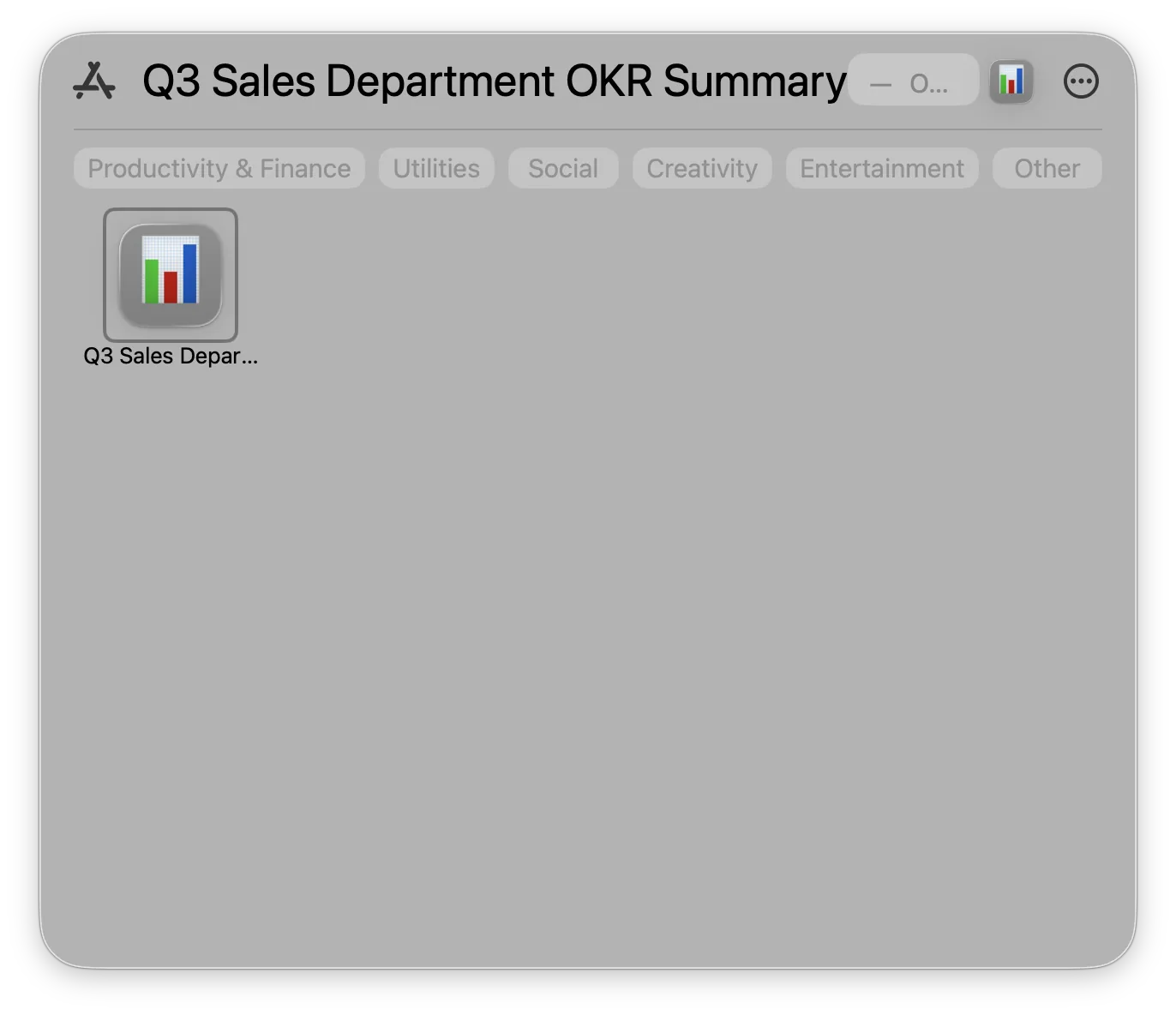
From now on, you can use this Kro App to automatically generate quarterly OKR reports with a single click.