

Download & Install (macOS/Windows)
I. System Compatibility
KroWork supports the following operating systems and hardware platforms:
- macOS: Apple silicon, Intel chip
- Windows: Windows 10, Windows 11
II. Installation Package Download
On the official homepage, select and download the corresponding installer according to your computer's operating system and chip architecture.
How to Check the Chip Type on Apple Computers
For macOS users, you may confirm the chip type using the following steps:
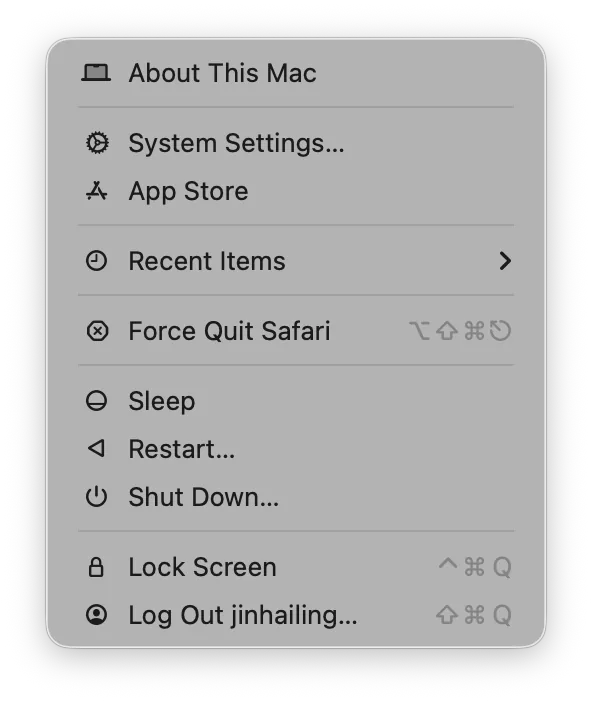
Click the Apple icon in the top-left corner of the screen.
Select About This Mac.
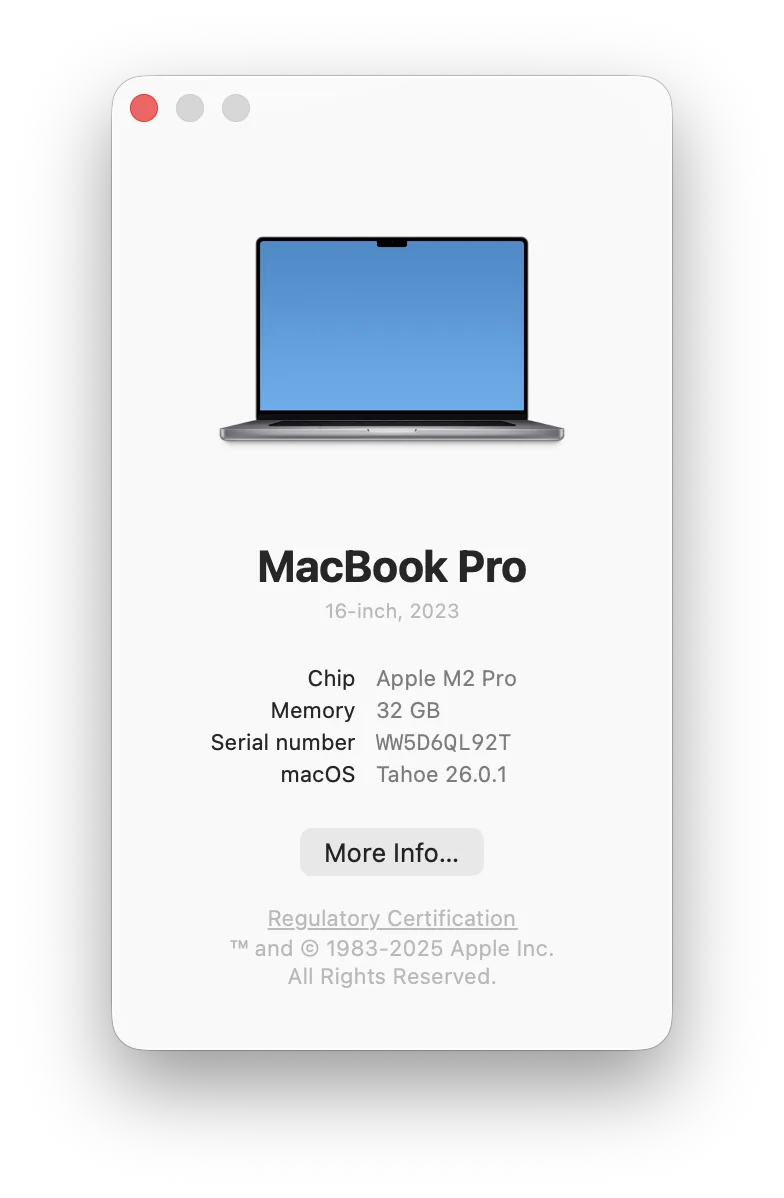
- View the computer model and chip information in the pop-up window.
III. Installation Steps (macOS)
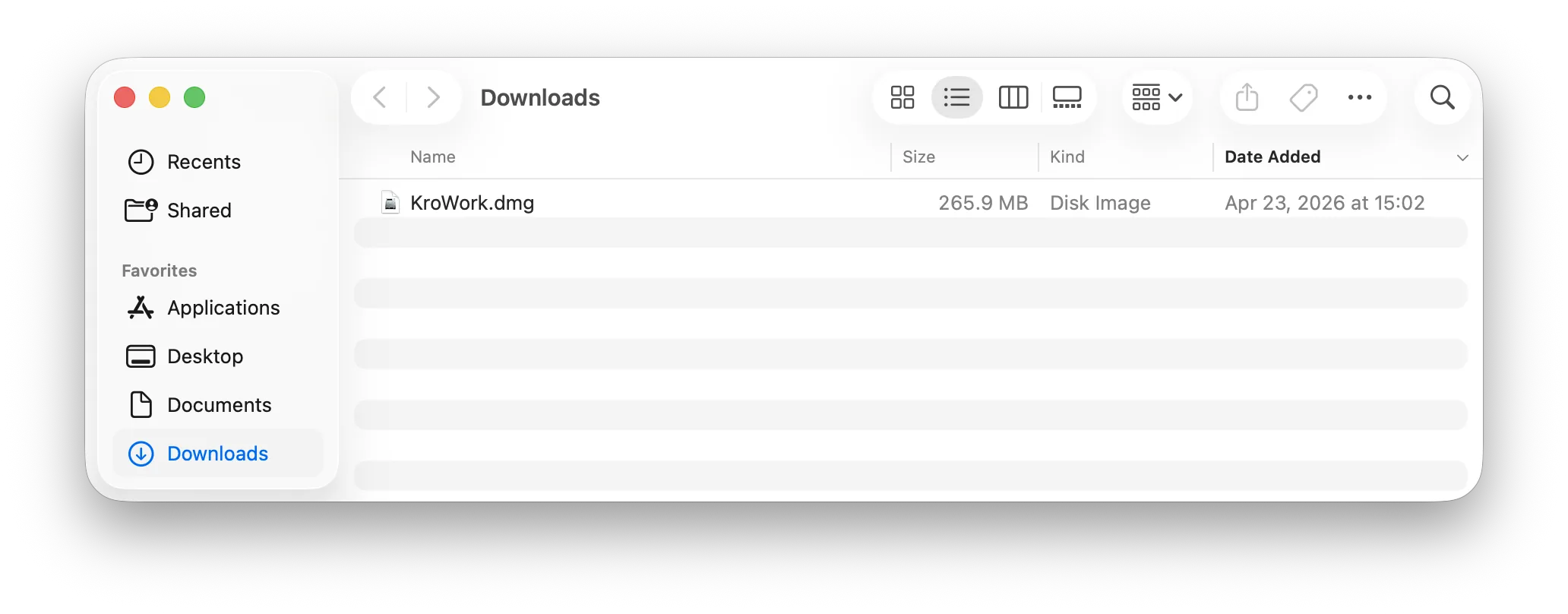
- After the download is complete, double-click the installation package (using macOS as an example here).
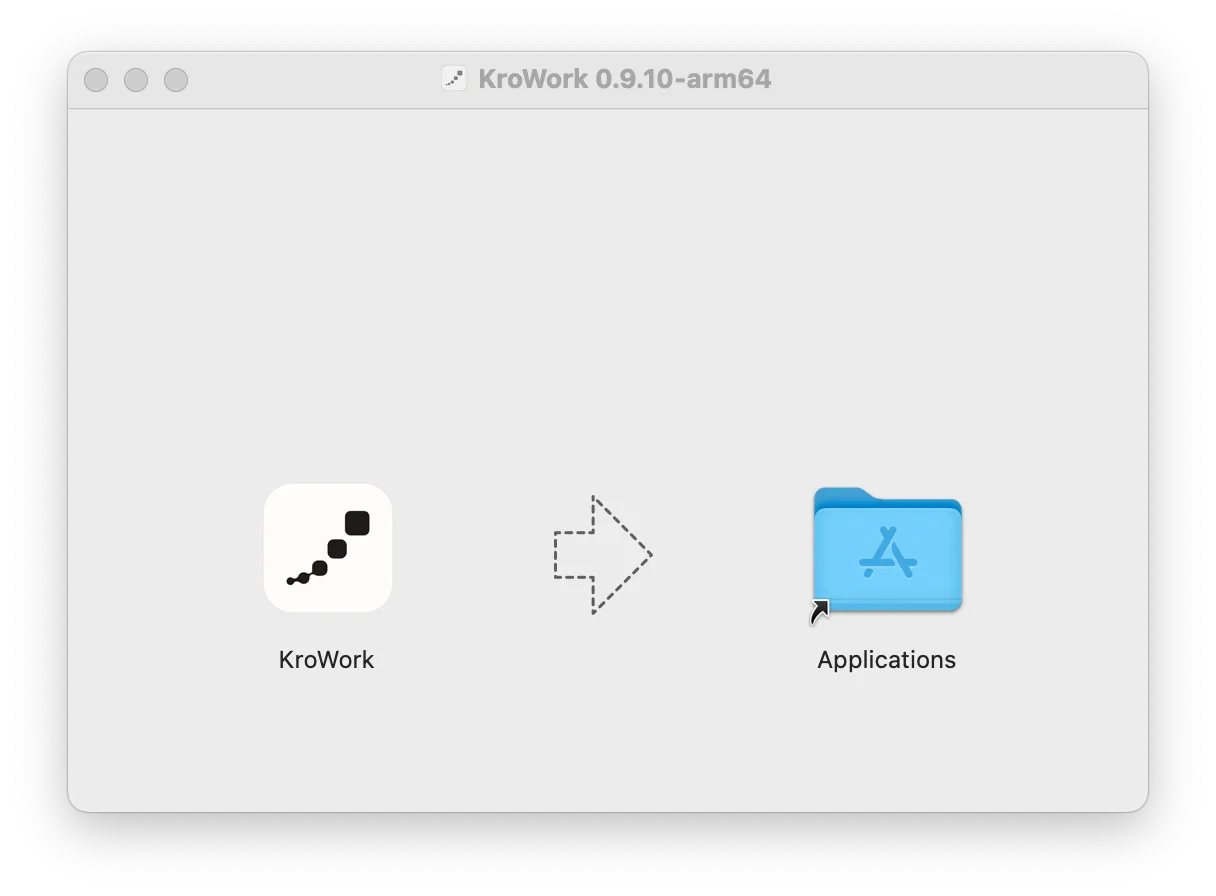
- In the installation interface, drag the KroWork application icon to the Applications folder on the right.
- Upon successful installation, the KroWork application will be available in Launchpad.
